


AI Audio Enhancer: Improve Audio Quality Online
LANDR ReHance uses AI to clean up spoken audio in seconds. Remove echo, noise, clicks and clipping from podcasts, voice recordings and video, right in your browser or as a plugin.
Mastering Demo
How to enhance audio with AI
ReHance analyzes your recording, separates the voice from everything around it and builds a custom restoration profile for that file. It isn't a static filter. Each recording gets processed based on what's actually in it.
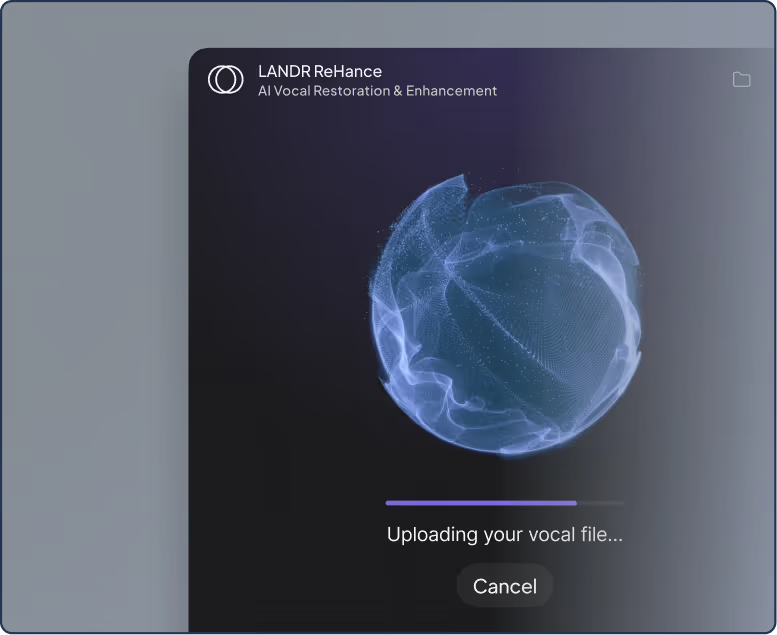
1. Upload your audio
Drag and drop your file into your LANDR Library, or click "+New" and select ReHance.
2. Choose your enhancement level
Pick low, medium or high intensity depending on how much cleanup the recording needs.
3. Download the enhanced file
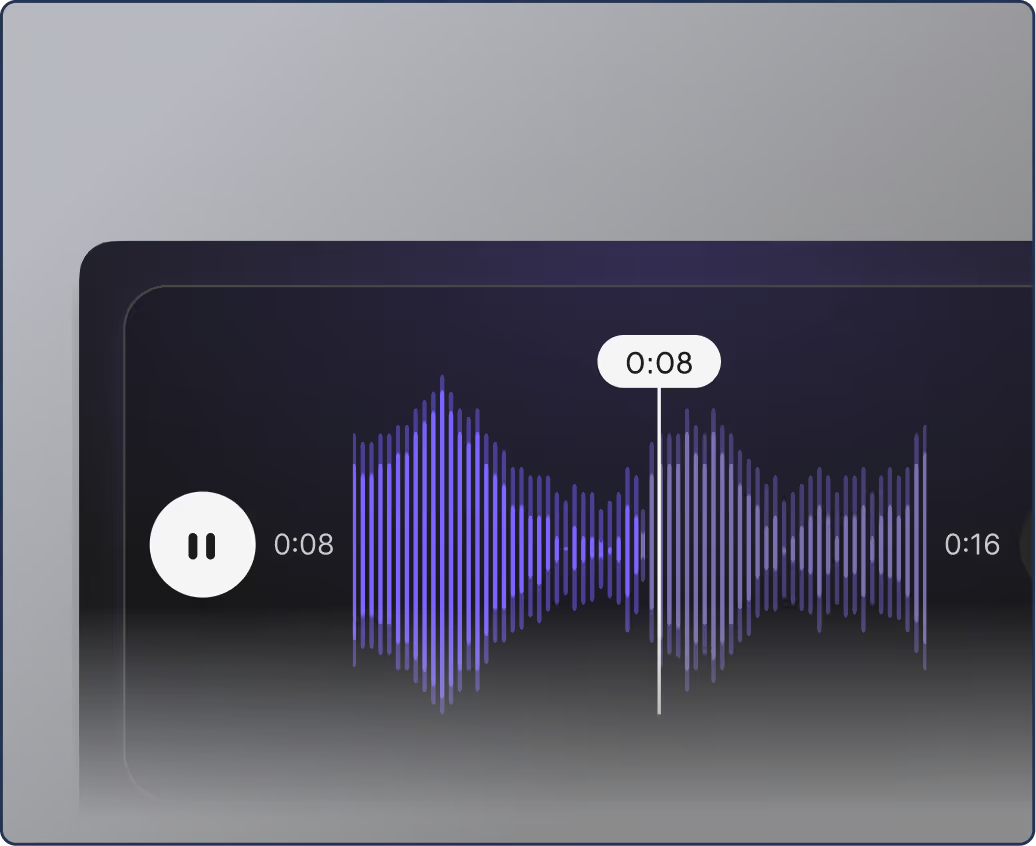
Your enhanced audio is saved next to the original with a ReHance label, ready to download or use in your project.
Improve audio quality for any recording
Podcasts and interviews
Clean up remote interviews, room echo and mouth clicks so every episode sounds like it was recorded in the same studio.
Voice memos and phone recordings
Make recordings captured on a phone microphone clear enough to share, transcribe or publish.
Video and YouTube audio
Fix the audio track on vlogs, tutorials and interviews without re-recording. Use the plugin directly in your video editing software.
Lectures, meetings and field recordings
Recover intelligible speech from recordings made in classrooms, conference rooms and outdoor locations.
Fix common recording problems
Echo and room reverb
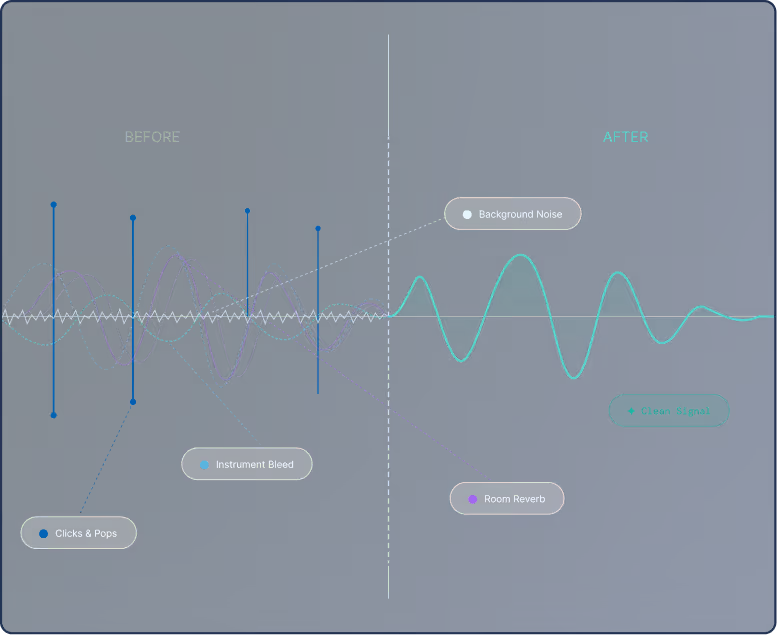
Remove the hollow, boxy sound of untreated rooms so voices sound close and direct.
Clicks and pops
Clean up mouth clicks, cable pops and other short artifacts that distract listeners.
Clipping and distortion
Reduce harsh clipping from recordings that were captured too loud.
Background noise
Cut fans, hum and room noise behind the voice. For noise-specific techniques, see our background noise remover.

Targeted artifact cleanup
Remove unwanted clicks, clipping, pops and plosive “P” sounds from vocal recordings. Clean up instrument bleed from live recordings and record vocals and audio of all forms anywhere without worry.
✔ Remove clicks, clipping and other audio artifacts
✔ Reduce plosive “P” sounds in vocal recordings
✔ Remove instrument bleed from live recordings
Easy learning curve, total control
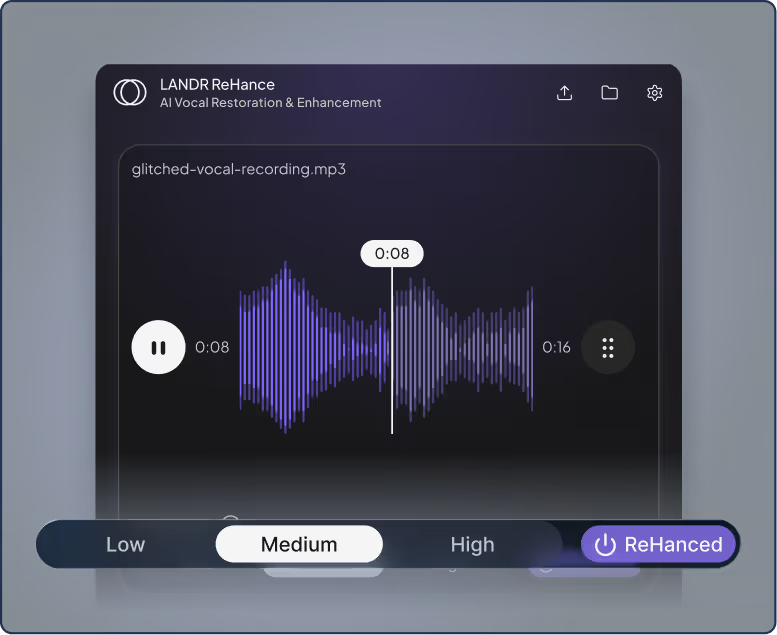
ReHance doesn’t require advanced technical skills to generate professional sounding results. The simple interface gives full control without the complex interface, readouts and knobs and dials found in other audio enhancement tools.
✔ Simple, easy-to-understand interface
✔ Total control with three intensity levels
✔ Quick and simple enhancement and audio artifact removal
Enhance audio online or in the DAW
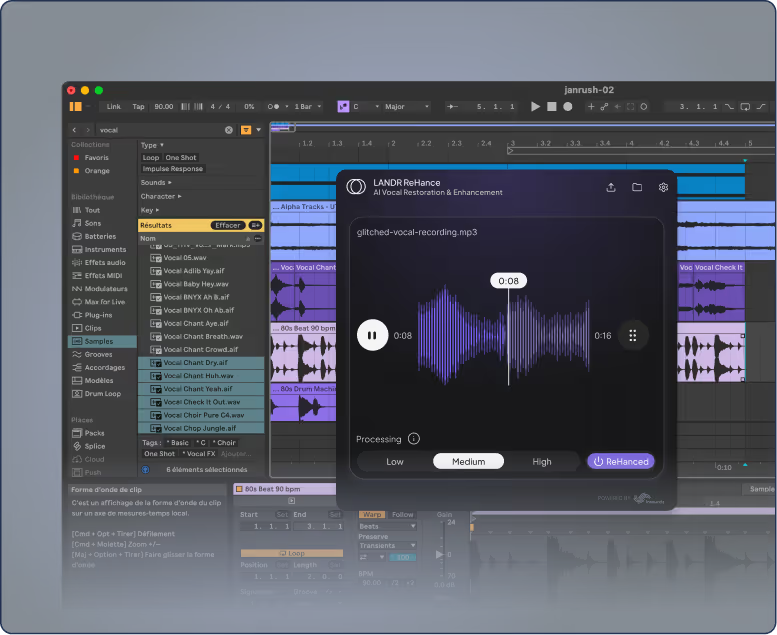
Use ReHance in your browser through the LANDR Library, or load the ReHance plugin on audio tracks in your DAW or video editor. Both formats include unlimited enhancement with LANDR Studio.
✔ Enhance audio online from any desktop or mobile browser
✔ Process dialogue tracks in your DAW or video editor with the plugin
✔ Choose from three intensity levels
Make every recording sound professional
ReHance is included with LANDR Studio, along with unlimited mastering, 70+ plugins, samples and distribution.
Frequently Asked Questions
What is an AI audio enhancer?
How do I improve the audio quality of a recording?
What file formats does it support?
Does it work on phone recordings?
What is LANDR ReHance?
How does LANDR ReHance use AI?
Does LANDR ReHance work for podcasts and other spoken audio?
Can LANDR ReHance improve phone recordings?
Does LANDR ReHance work on the LANDR App?


